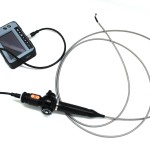
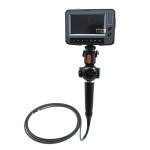
4 endoskop przegubowy wideoskop boroskop FLX-Dr4555F
$0.00
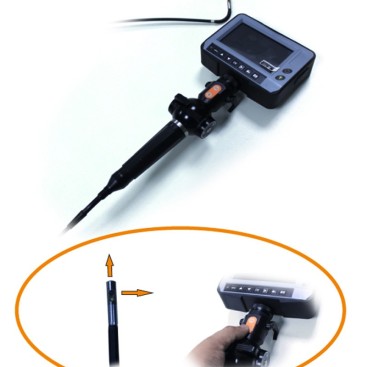
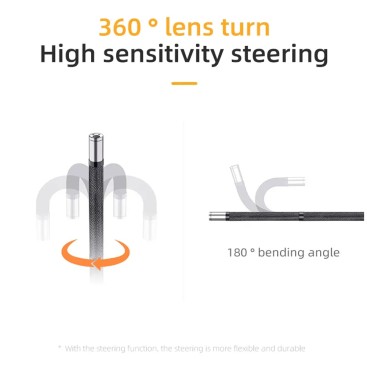
4 ways 120 degrees rotating
Electronic Controlling
OEM/ODM Service
- Opis
- Zapytanie
Opis
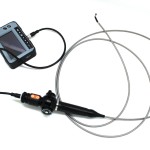
4 endoskop przegubowy wideoskop boroskop FLX-Dr4555F
Aplikacja:
1. The endoscope camera is for the inspection of aircraft, turbiny, spoiny, silniki, motors and pipes..
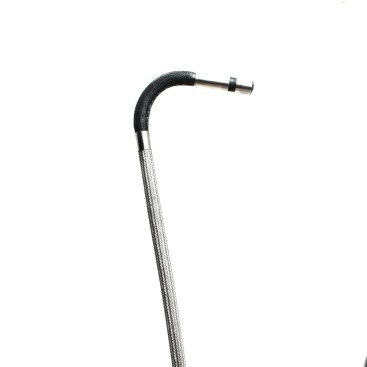
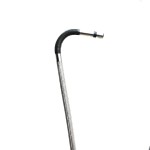
2. 4 way articulation, each above 120degrees.
3. Obsługuje zapis wideo, picture snap and waterproof IP 67.
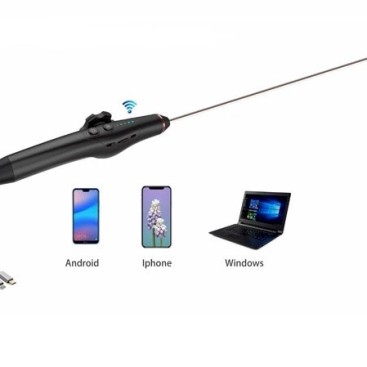
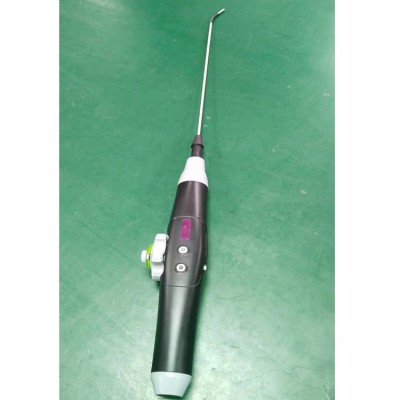
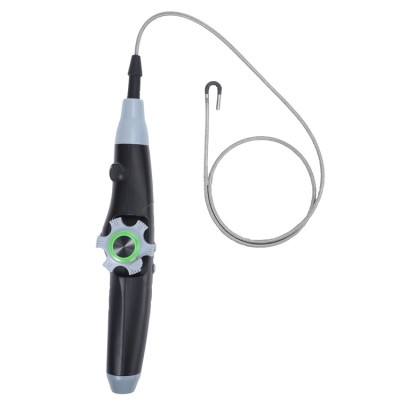
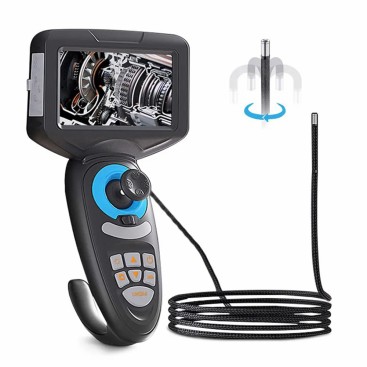
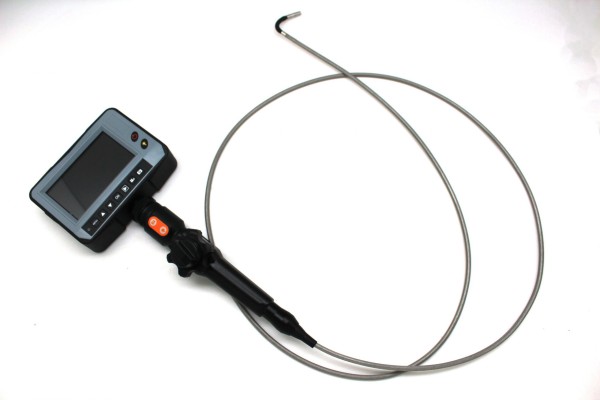
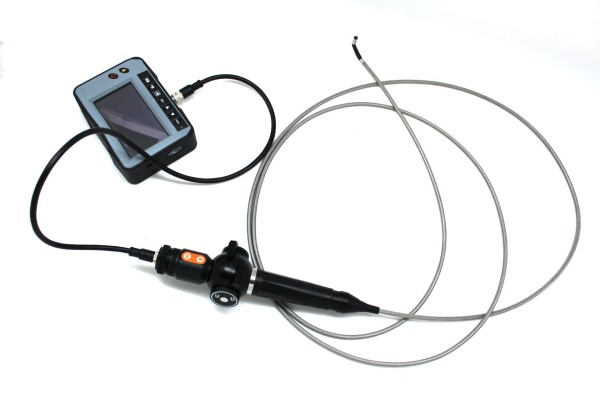
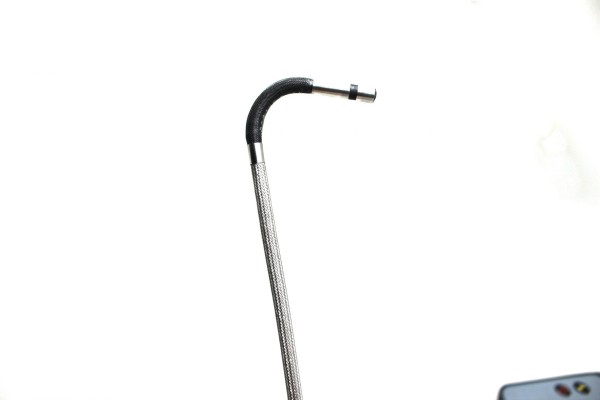
These units feature a insertion tube which view and capture every detail of your inspection with 4 way articulation, each above 120degrees. The insertion tube features a compact (5.5mmm on) odpinana konstrukcja, która jest całkowicie wodoodporna(IP67) i zawiera 6 sztuk diod LED zapewniających spójne oświetlenie. Intensywność światła można łatwo kontrolować, aby uniknąć odblasków.
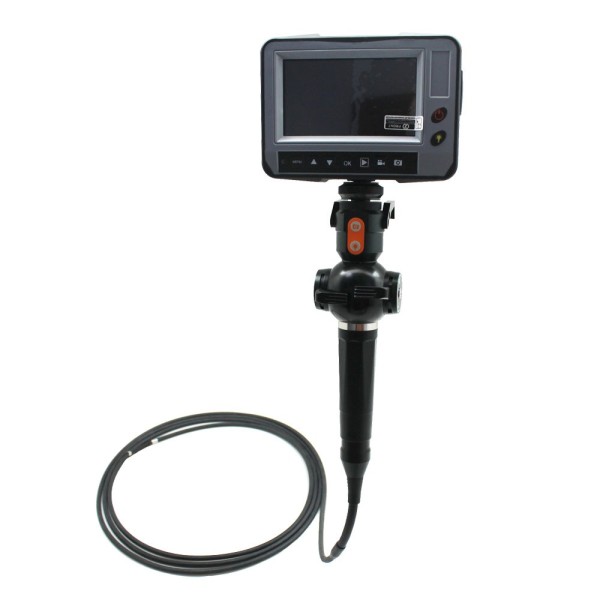
5-calowy wyświetlacz LCD z częścią sterującą z wideo (AVI) i obraz (JPG) przechwytywanie inspekcji zapisanych bezpośrednio na karcie pamięci SD. A akumulatory litowe zapewniają ciągłą pracę.
Specyfikacje rurki wprowadzającej | Czujnik obrazu:Przetwornik obrazu CMOS, 450,000 pikseli Rezolucja(Dynamiczny/statyczny):720(H)x525(V)(N) / 720(H)x625(V)(P) Średnica końcówki rurki wprowadzającej:5.5 mm Długość aparatu:23mm Włóż rurkę:Oplot wolframowy/stal nierdzewna Narażenie:Automatyczny Balans bieli:Naprawił Pole widzenia (Pole widzenia):90°, Artykulacja:4 sposób na zwrot , Lewy , Prawidłowy , W górę i w dół , każdy powyżej 120 ° Głębia ostrości (DOF):10 – 150 mm Źródło światła:6 Biała dioda LED Obudowa aparatu:Stal stopowa Długość rurki wprowadzającej:1.5 Standard M, 5M Maks. Wodoodporność w standardzie:IP67 |
Wyświetlacz & część kontrolna | Wyświetlacz:4.3cal 16:9 Monitor LCD TFT Format wyjściowy wideo:NTSC & KUMPEL Zegar czasu rzeczywistego ze zdjęciami i filmami Nośnik nagrywania:Karta SD Język:angielski Złącze USB:Mikro-USB Wyjście wideo:Wyjście telewizyjne Nośniki do nagrywania:Karta SDHC Zdjęcie:1600X1200 JPEG Wideo:640×480/1280×720 avi Zasilanie:Bateria litowa: 3.7V, 3000maH Adapter:100-240Wyjście VDC:5W DC Środowisko operacyjne: Rurka wprowadzająca :0-80°; Inne części :0-40° Wilgotność robocza:15-90PRAWA |
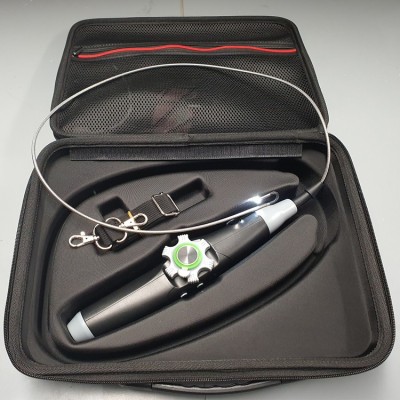
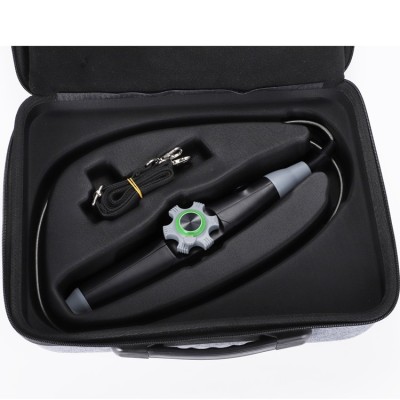
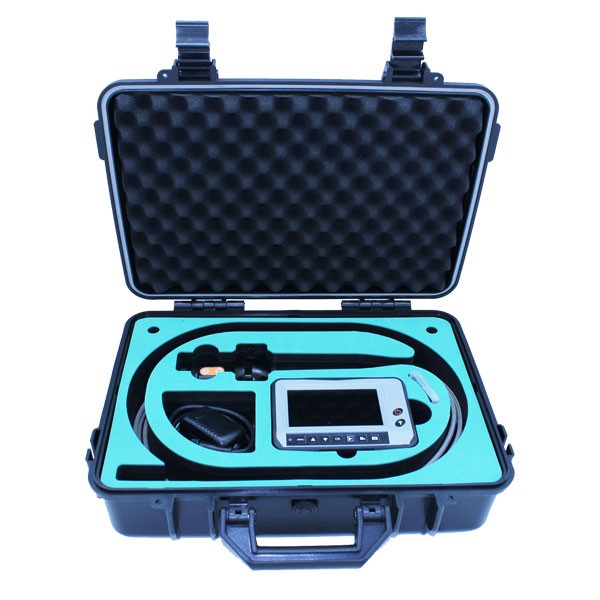
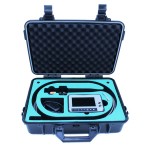
Pozostałe części | rumak, podłączyć kabel, instrukcja obsługi |